
Artificial intelligence is everywhere in 2026. Students use it to study, small business owners use it to write emails and social media posts, designers use it to create images, and programmers use it to write code faster. In this Best Free AI Tools guide, we explore the top AI tools that help people work smarter, learn faster, and improve productivity without spending money.
The good news is that you do not need to pay to get started.
Many of the most popular AI tools offer free plans that are powerful enough for school, work, and everyday tasks. The challenge is figuring out which free AI tools are actually useful and which ones are just hype.
This guide compares the best free AI tools available in 2026, explains what each tool does, and helps you choose the right one for your needs.
Table of Content
- What makes an AI tool “the best”?
- Quick comparison: Best free AI tools in 2026
- 1. ChatGPT — Best overall free AI tool
- 2. Google Gemini — Best for Google users
- 3. Claude — Best for long documents and clear writing
- 4. Perplexity — Best AI search engine
- 5. Canva AI — Best free AI design tool
- 6. Microsoft Copilot — Best for Windows users
- 7. GitHub Copilot — Best free AI coding assistant
- 8. Notion AI — Best for notes and productivity
- 9. Grammarly — Best for grammar and clarity
- 10. QuillBot — Best free paraphrasing tool
- 11. Adobe Express AI — Best for quick content creation
- 12. Figma AI — Best for UI/UX designers
- Final verdict: The best free AI tools in 2026
What makes an AI tool “the best”?
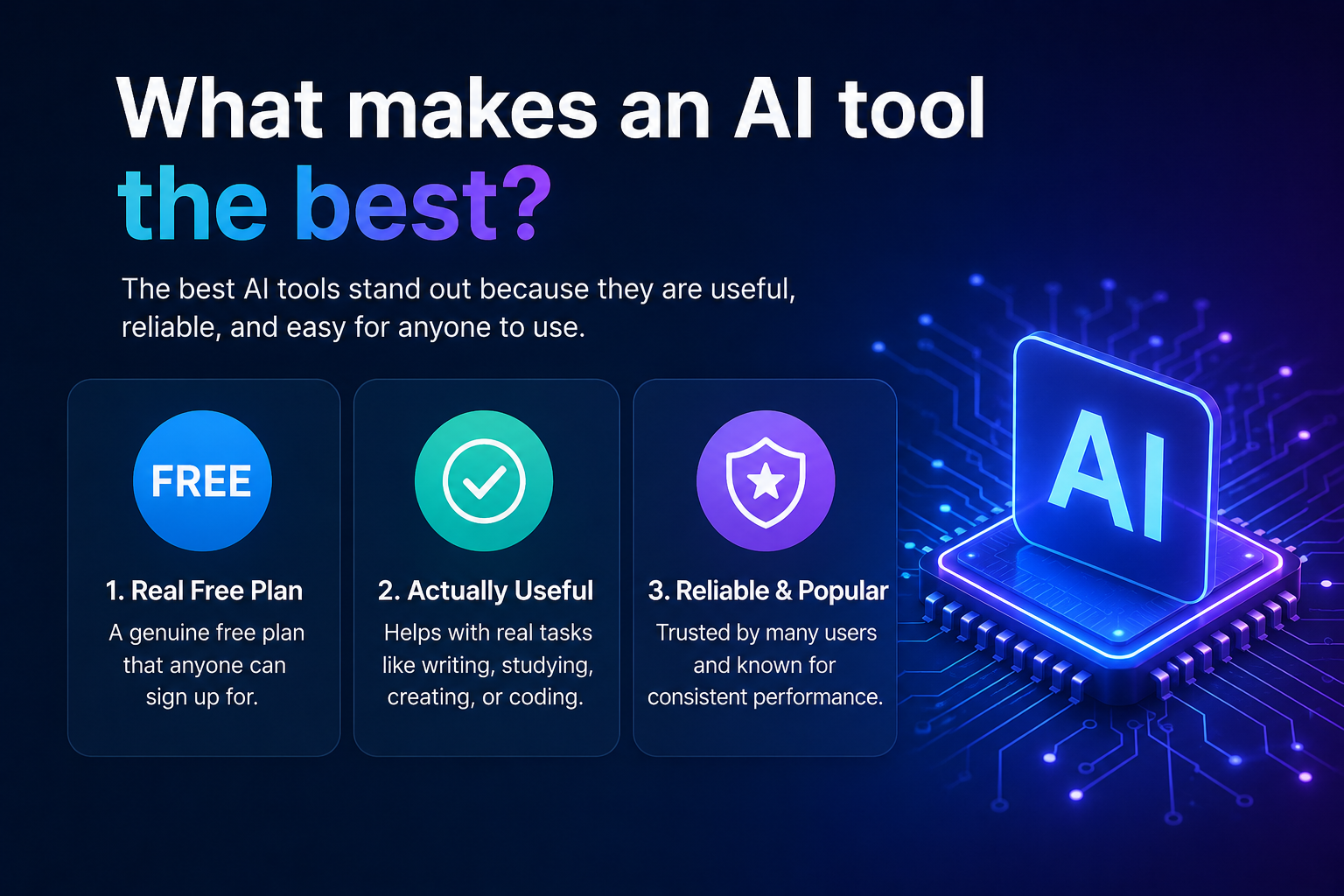
For this list, a tool had to meet three rules:
- A real free plan that anyone can sign up for.
- Useful for everyday tasks such as writing, studying, creating images, coding, or organizing work.
- Reliable and widely used in the United States in 2026.
I also checked the official feature pages for each tool so the information is accurate and up to date.
Quick comparison: Best free AI tools in 2026
| Tool | Best for | Free plan available |
|---|---|---|
| ChatGPT | General AI assistant | Yes |
| Google Gemini | Google ecosystem & research | Yes |
| Claude | Long writing & clear explanations | Yes |
| Perplexity | AI search with sources | Yes |
| Canva AI | Social media & design | Yes |
| Microsoft Copilot | Windows & Microsoft 365 users | Yes |
| GitHub Copilot | Coding assistance | Limited free plan |
| Notion AI | Notes & productivity | Limited free usage |
| Grammarly | Grammar & writing polish | Yes |
| QuillBot | Paraphrasing & summaries | Yes |
| Adobe Express AI | Quick graphics & videos | Yes |
| Figma AI | UI/UX design help | Limited free usage |
Those 12 Free AI Tools Are
1. ChatGPT — Best overall free AI tool
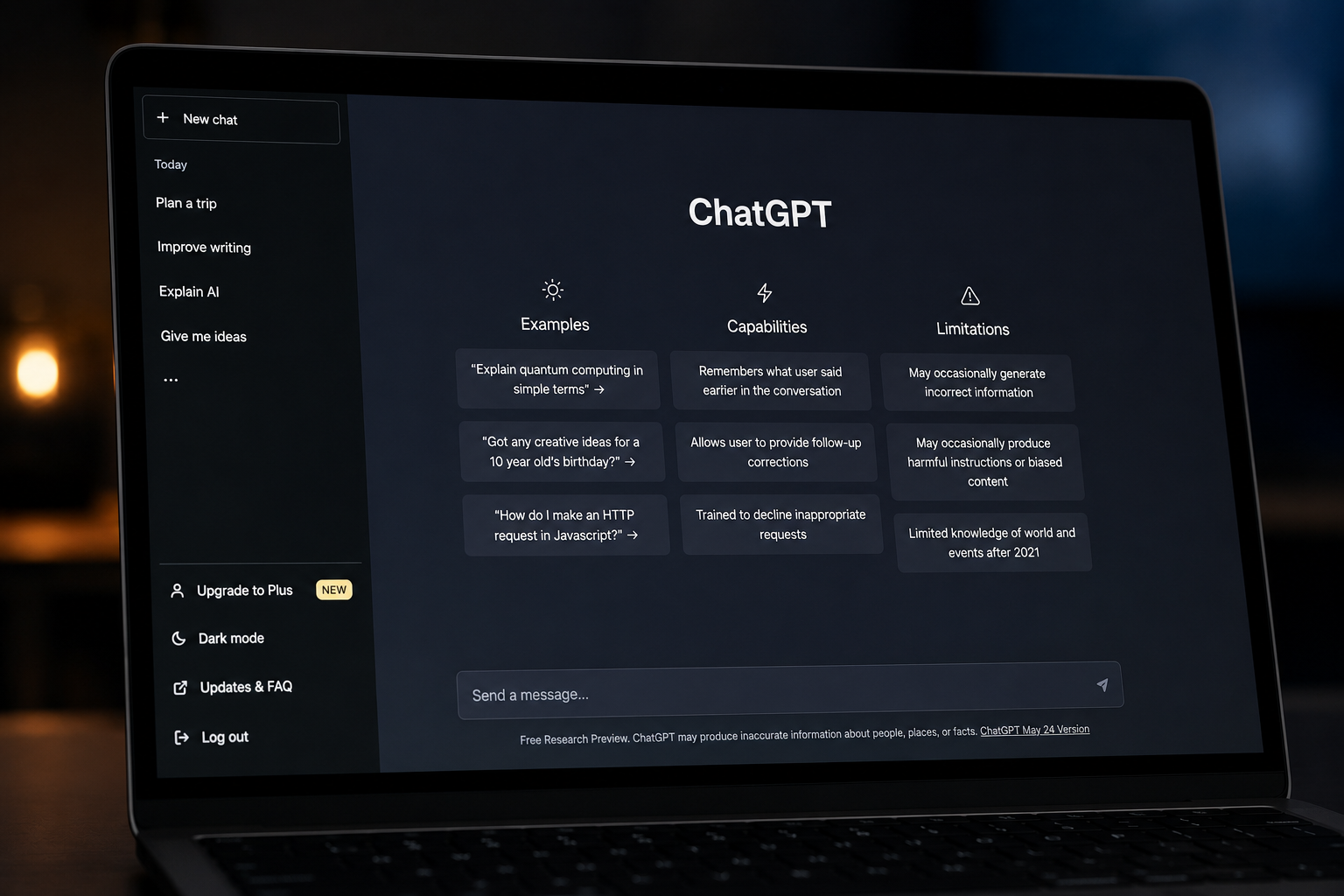
Best for: Writing, brainstorming, studying, planning, and everyday questions.
ChatGPT remains the easiest AI tool for most people. You can ask it to explain a math problem, create a study plan, write a blog outline, summarize a document, or help plan a trip.
Why it stands out
- Simple chat interface.
- Works on web, iPhone, and Android.
- Handles writing, research help, coding, and creative tasks in one place.
Free plan limits
The free plan includes access to GPT-5 with usage limits that reset periodically.
Best for beginners: If you only choose one free AI tool, start with ChatGPT.
Official site: https://chatgpt.com
2. Google Gemini — Best for Google users
Best for: Google Search, Gmail, Docs, and Android users.
Gemini connects well with Google’s ecosystem. If you already use Gmail, Google Docs, and Google Drive, Gemini can help summarize emails, draft replies, and work with your documents.
Strengths
- Excellent web-connected answers.
- Strong integration with Google services.
- Available on Android and the web.
Free plan
Google offers a free version of Gemini with access to core AI features.
Official site: https://gemini.google.com
3. Claude — Best for long documents and clear writing
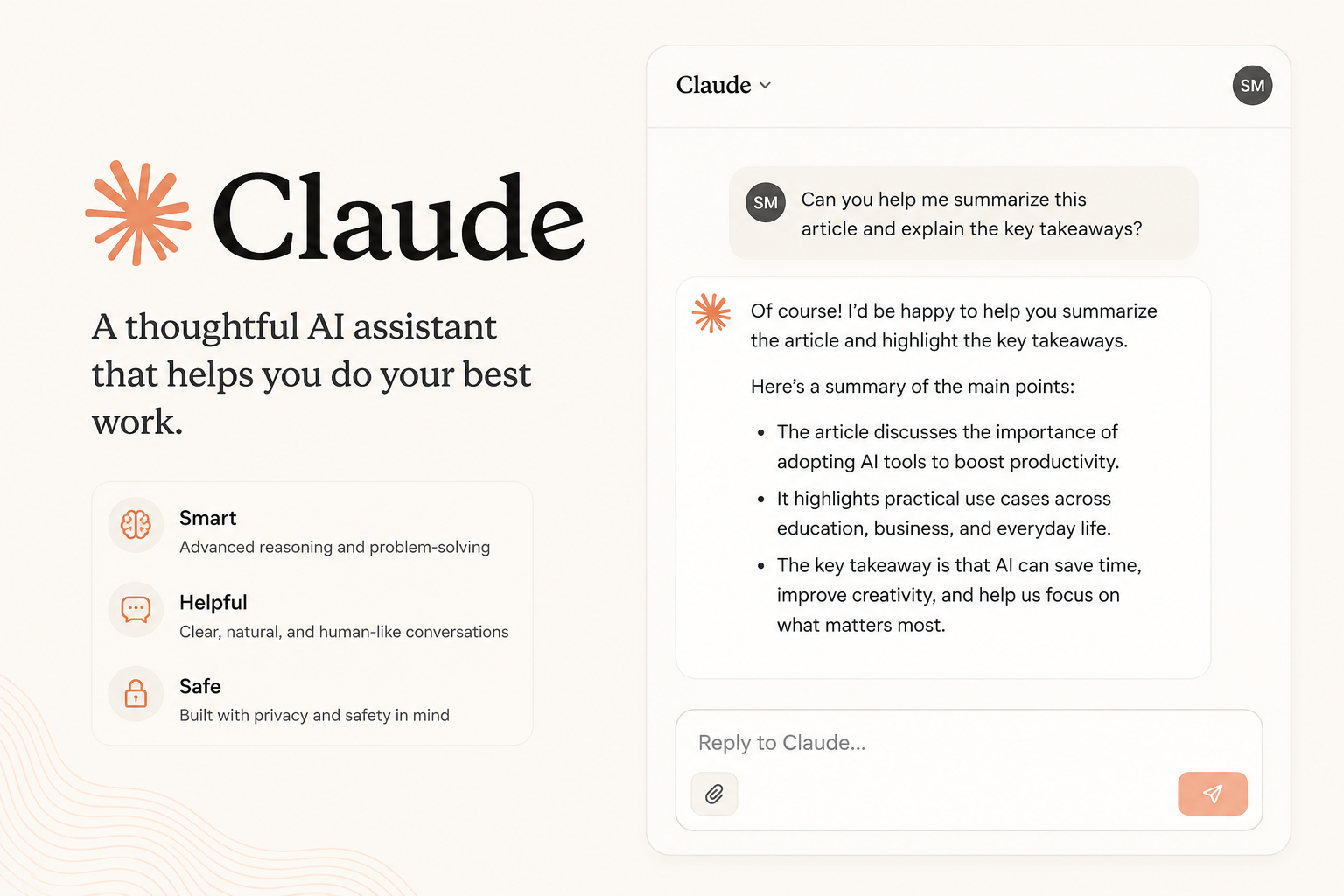
Best for: Essays, reports, research notes, and long conversations.
Claude is known for producing clear, well-structured writing. It is especially useful when you need to work with long documents or want an explanation that is easy to follow.
Strengths
- Handles long text very well.
- Clear and organized responses.
- Good for editing and rewriting.
Free plan
Anthropic provides a free plan with daily usage limits.
Official site: https://claude.ai
4. Perplexity — Best AI search engine
Best for: Research, fact-checking, and finding sources.
Perplexity works like a search engine powered by AI. Unlike many chatbots, it shows links to the sources it used, making it easier to verify information.
Strengths
- Provides source citations.
- Fast research workflow.
- Great for students and journalists.
Free plan
The free plan includes unlimited quick searches and a limited number of advanced searches.
Official site: https://www.perplexity.ai
5. Canva AI — Best free AI design tool
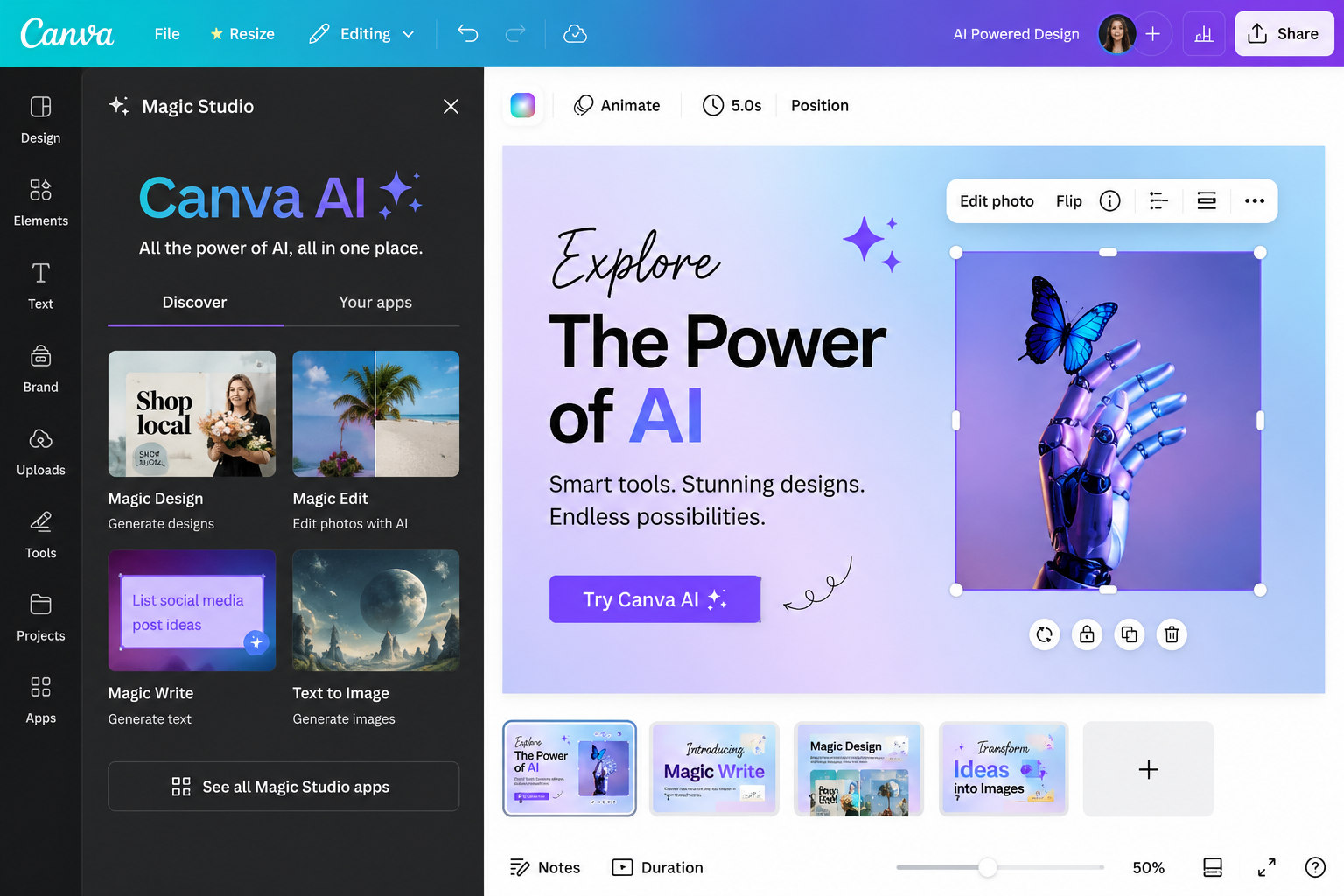
Best for: Instagram posts, YouTube thumbnails, presentations, and flyers.
Canva’s AI features are built into its design platform. You can generate images, remove backgrounds, create social media captions, and design graphics without needing professional design skills.
Strengths
- Drag-and-drop editor.
- AI image generation.
- Huge library of templates.
Free plan
Canva offers a generous free plan with access to many AI features and templates.
Official site: https://www.canva.com
6. Microsoft Copilot — Best for Windows users
Best for: Windows PCs, Word, Excel, and Outlook users.
Copilot is integrated into Windows and Microsoft’s productivity tools. It can summarize documents, draft emails, and help with spreadsheets.
Strengths
- Built into Windows 11.
- Easy access from the taskbar.
- Helpful for office work.
Free plan
Microsoft offers a free version of Copilot for personal use.
Official site: https://copilot.microsoft.com
7. GitHub Copilot — Best free AI coding assistant
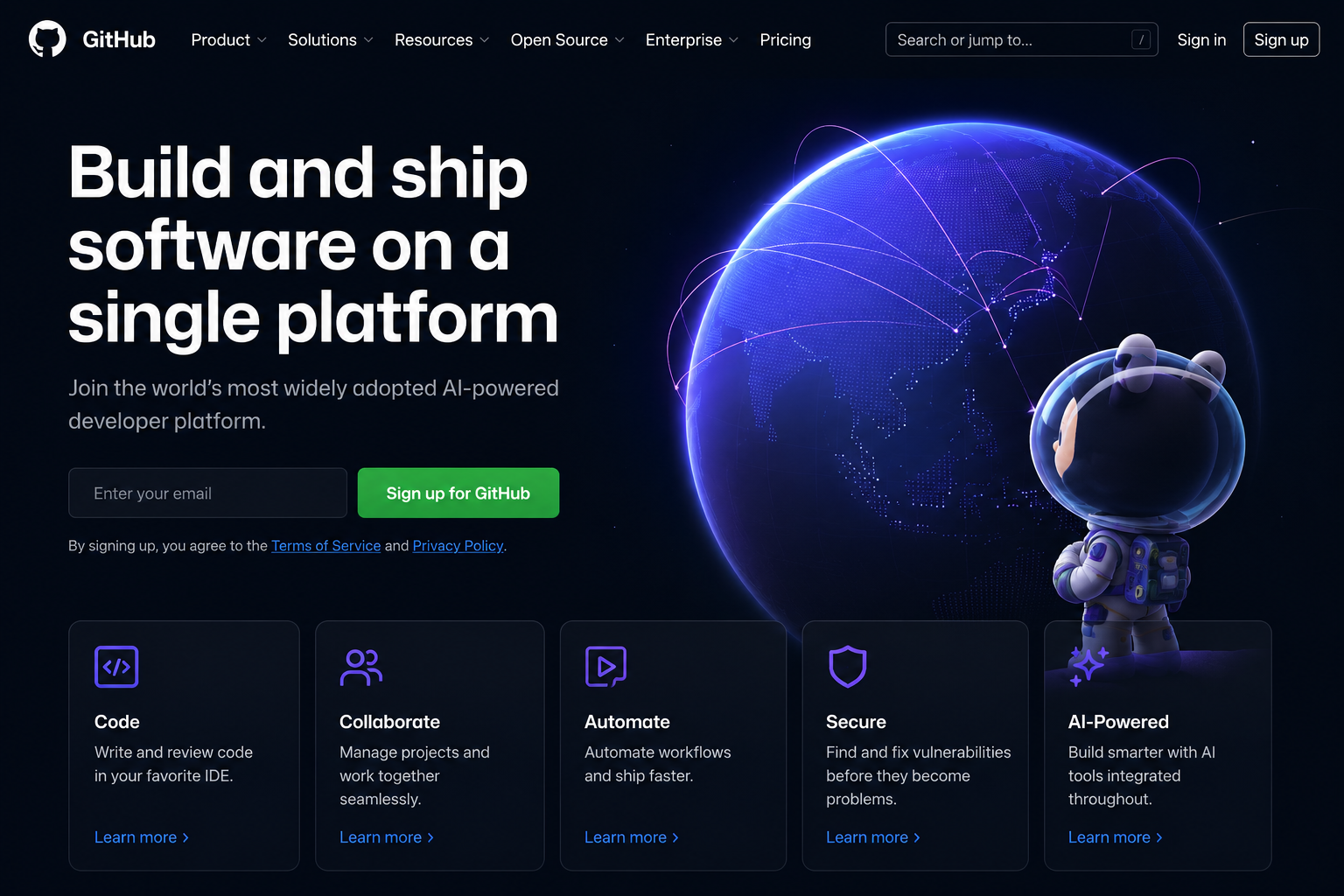
Best for: Students learning programming and developers writing code.
GitHub Copilot suggests code as you type and can explain functions or generate boilerplate code.
Important: The free plan has usage limits, but it is enough for many students and hobby projects.
Official site: https://github.com/features/copilot
8. Notion AI — Best for notes and productivity
Best for: Organizing class notes, meeting notes, and personal projects.
Notion AI can summarize notes, create task lists, and help draft content directly inside your workspace.
Free plan
The free personal plan includes limited AI usage.
Official site: https://www.notion.so/product/ai
9. Grammarly — Best for grammar and clarity
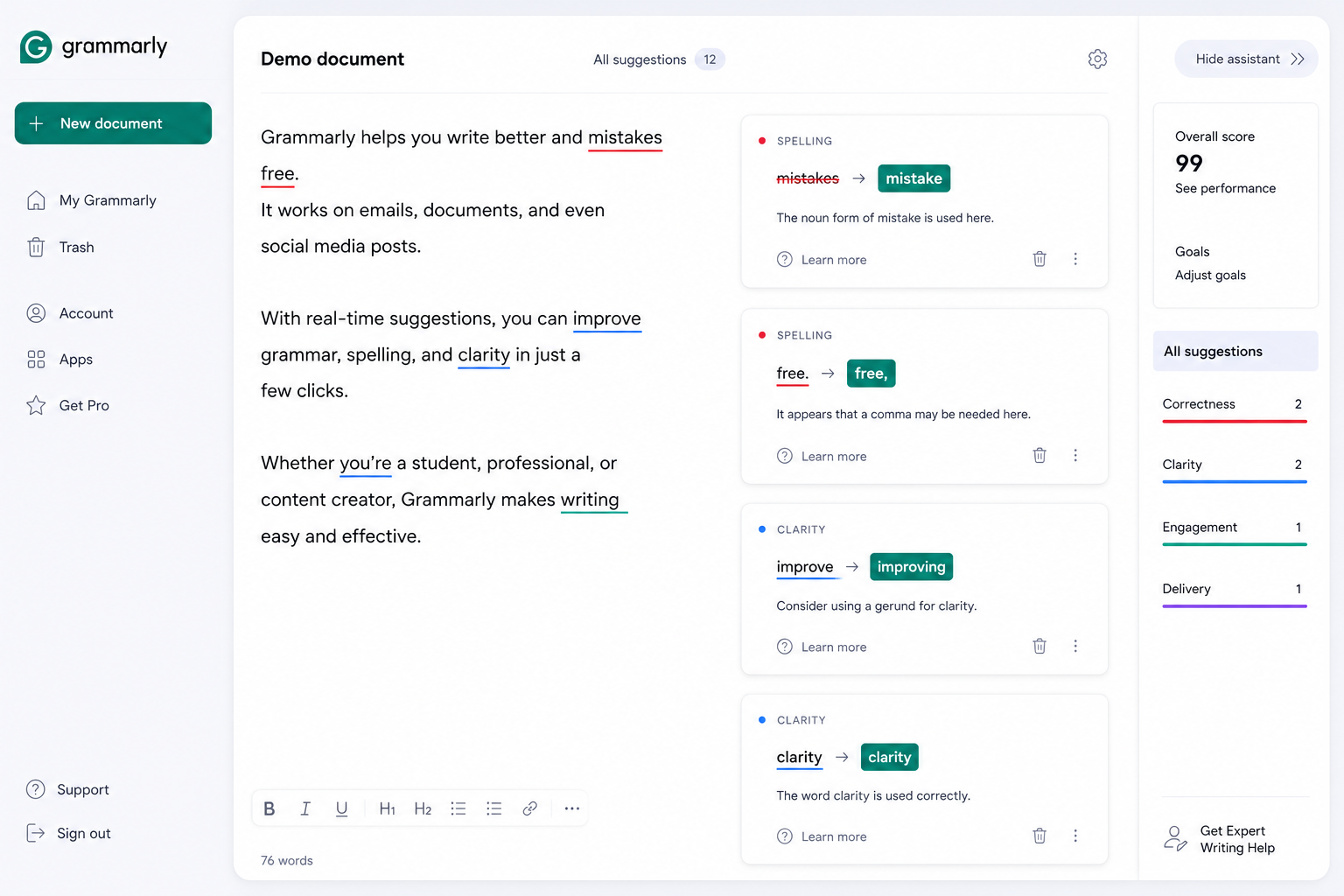
Best for: Emails, essays, resumes, and professional writing.
Grammarly checks spelling, grammar, punctuation, and clarity in real time.
Free plan
The free version includes core grammar and spelling corrections.
Official site: https://www.grammarly.com
10. QuillBot — Best free paraphrasing tool
Best for: Rewriting sentences, simplifying text, and creating summaries.
QuillBot is useful when you want to make writing clearer or shorter.
Free plan
The free plan includes limited paraphrasing modes and summary features.
Official site: https://quillbot.com
11. Adobe Express AI — Best for quick content creation
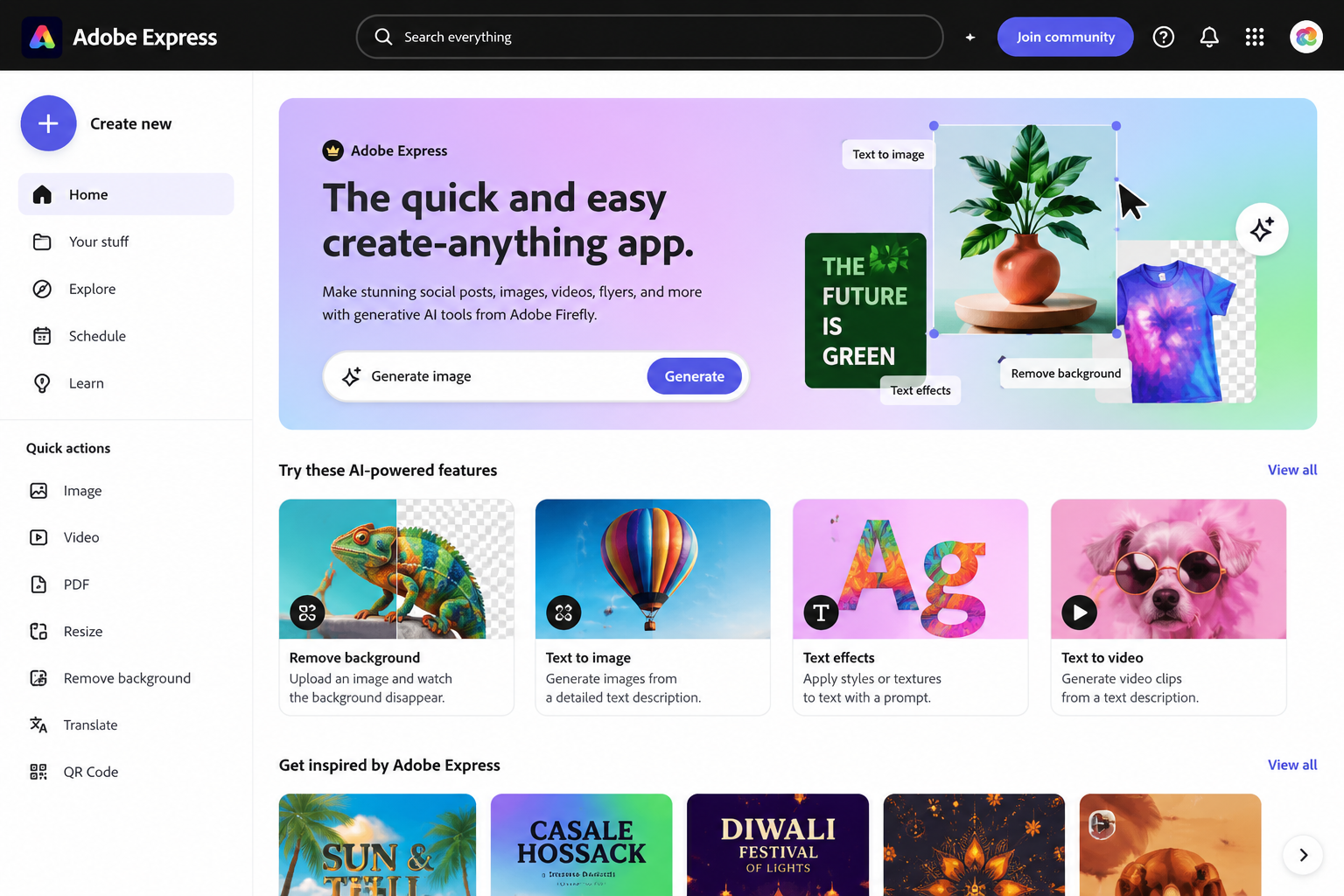
Best for: Social graphics, short videos, and marketing materials.
Adobe Express includes AI-powered text effects, image generation, and quick video editing tools.
Official site: https://www.adobe.com/express
12. Figma AI — Best for UI/UX designers
Best for: App and website design workflows.
Figma AI can help generate layouts, rename layers, and speed up design tasks.
Official site: https://www.figma.com/ai/
The 5 tools I would choose if I had to start from zero
A student
- ChatGPT
- Perplexity
- Grammarly
- QuillBot
- Notion AI
A content creator
- ChatGPT
- Canva AI
- Adobe Express AI
- Grammarly
- Gemini
A small business owner
- ChatGPT
- Microsoft Copilot
- Canva AI
- Grammarly
- Gemini
Which free AI tool is best for specific tasks?
| Task | Best free tool |
|---|---|
| Writing blog posts | ChatGPT |
| Research with sources | Perplexity |
| Summarizing long documents | Claude |
| Creating social media graphics | Canva AI |
| Checking grammar | Grammarly |
| Rewriting sentences | QuillBot |
| Coding assistance | GitHub Copilot |
| Organizing notes | Notion AI |
| Working with Gmail & Docs | Gemini |
| Working on a Windows PC | Microsoft Copilot |
A simple 3-tool setup for most people
You do not need all twelve tools. A simple setup covers almost every task:
ChatGPT
Use it for brainstorming, writing drafts, explanations, and planning.
Perplexity
Use it when you need sources and citations for research.
Canva AI
Use it to turn your ideas into graphics, thumbnails, presentations, and social media posts.
This combination is completely free and works for students, freelancers, and small business owners.
Free AI tools vs. paid AI tools: Is the free version enough?
For many people, yes.
The free plans are usually enough for:
- Homework and studying.
- Writing emails and documents.
- Creating social media posts.
- Basic image generation.
- Small personal or freelance projects.
You may need a paid plan if you:
- Use AI for many hours every day.
- Need higher usage limits.
- Want advanced models or premium features.
- Run a business that depends heavily on AI output.
A good rule is to start with the free plan and upgrade only when the limits begin to slow down your work.
Important safety tips when using AI
AI is helpful, but it can make mistakes. Keep these rules in mind:
- Check important facts with trusted sources.
- Do not share sensitive information such as passwords, bank details, or private client data.
- Read AI-generated writing before publishing to make sure it is accurate and sounds natural.
- Use your own judgment for medical, legal, or financial decisions.
The biggest AI trends in 2026
These are the AI topics getting the most attention in U.S. searches and industry reports:
- AI search engines (Perplexity, Gemini).
- AI writing tools (ChatGPT, Claude, Grammarly).
- AI image generators (Canva AI, Adobe Express AI).
- AI productivity tools (Microsoft Copilot, Notion AI).
- AI coding assistants (GitHub Copilot).
Choosing tools from these categories will give you the most useful skills for school and work.
Final verdict: The best free AI tools in 2026
If I had to rank the tools by overall usefulness for the average person in the United States, this would be the order:
- ChatGPT — Best overall AI assistant.
- Perplexity — Best for research and fact-checking.
- Canva AI — Best for design and social media.
- Google Gemini — Best for Google users.
- Claude — Best for long writing and document work.
The most important thing is not finding the “perfect” AI tool. It is finding one or two tools that solve your daily problems.
For most readers, ChatGPT + Perplexity + Canva AI is the strongest free combination in 2026. Together, they cover writing, research, and visual content creation without costing a dollar.
Try These Free AI Tools Today
Ready to boost your productivity without spending money? Explore the best free AI tools for writing, studying, coding, design, research, and everyday tasks. Find the tools that match your needs and start using AI to work smarter.
For more Articles, Visit our page – AI UNPACKED
Frequently Asked Questions (FAQs)
1. What are the best free AI tools in 2026?
Some of the best free AI tools in 2026 include ChatGPT, Google Gemini, Claude, Canva AI, Grammarly, Perplexity AI, Microsoft Copilot, Notion AI, Adobe Express AI, and Figma AI. Each tool focuses on different tasks like writing, research, design, coding, or productivity.
2. Are free AI tools really free to use?
Yes. Most popular AI tools offer free plans that let you complete everyday tasks. However, many also have paid plans that unlock more advanced features, faster performance, or higher usage limits.
3. Which free AI tool is best for students?
Students often benefit from ChatGPT, Gemini, Perplexity AI, Grammarly, and Notion AI. These tools can help with studying, note-taking, research, writing, and organizing schoolwork.
4. What is the best free AI writing tool?
ChatGPT, Claude, and Grammarly are among the most popular free AI writing tools. They can help with brainstorming ideas, improving grammar, rewriting content, and creating drafts for emails, essays, or blog posts.
5. Which free AI tool is best for creating images?
Canva AI, Adobe Express AI, and other AI image generators offer free options for creating social media graphics, presentations, illustrations, and marketing materials. Free plans usually include a limited number of AI-generated images.
6. Is ChatGPT free in 2026?
Yes. ChatGPT continues to offer a free version that gives users access to AI-powered conversations, writing assistance, brainstorming, coding help, and general knowledge. Premium plans provide additional models and features.
7. Can I use free AI tools for my business?
Yes. Many small businesses use free AI tools to write content, design graphics, answer customer questions, analyze information, create presentations, and automate repetitive tasks without spending much money.
8. Are AI tools safe to use?
Most well-known AI tools are safe when used responsibly. Avoid sharing passwords, financial information, or other sensitive personal data in AI chats. Always review AI-generated content before publishing or using it professionally.
9. Which AI tool is best for research?
Perplexity AI and Google Gemini are excellent choices for research because they can help summarize information, answer questions, and provide sources for further reading. ChatGPT is also useful for explaining complex topics in simple language.
10. Can AI replace human work completely?
No. AI is designed to assist people, not completely replace them. It can automate repetitive tasks and speed up work, but human creativity, judgment, critical thinking, and decision-making remain essential in most professions.
В зависимости от сложности проекта прогон хрумером цена может варьироваться.
Определенно